Signature Image Compressor
Crop signature images, clean light paper, preserve aspect and set exact output pixels. Compress PNG/JPEG locally, compare previews and download only files that meet the maximum byte size.
Crop, resize and compress signature images locally
Choose or drop 1–10 PNG/JPEG files or load the original sample strokes. Set exact canvas width/height and maximum KB, then compress in a local Worker. Compare each oriented source with its output preview, actual pixels and actual byte count. Individual downloads and the ready-images ZIP include only files that meet the maximum; oversized results stay visible with downloads disabled.
The custom starting canvas is 300×100, maximum 20 KB. One KB means 1,000 bytes. These are editing defaults, not an official examination preset. Ink fits the chosen padding without stretching, with pixel rounding. The tool does not silently shrink canvas dimensions to claim success.
Crop and background controls
Remove percentages from each source edge first, optionally auto trim blank light paper around dark ink, and set output padding. The paper threshold controls which light neutral pixels are whitened or made transparent. Arbitrary colored/textured backgrounds are not segmented. Dark scan borders may enlarge trim bounds; remove them using manual edge controls. Inspect faint strokes and framing in the actual preview.
JPEG/WebP try descending quality levels and keep the first tested encoding within the byte cap. PNG remains lossless and has no quality control. If no encoding fits, the actual byte count and preview are shown without an export. Transparent output needs PNG/WebP; JPEG flattens onto white. Keep-background mode retains source colors/alpha where the output format supports them.
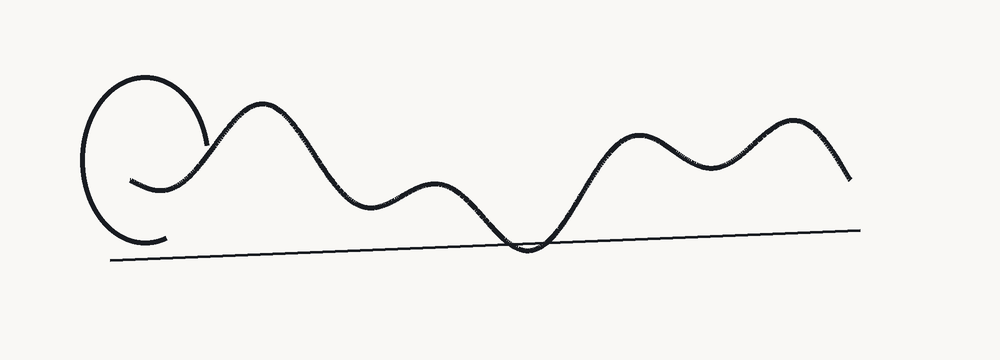
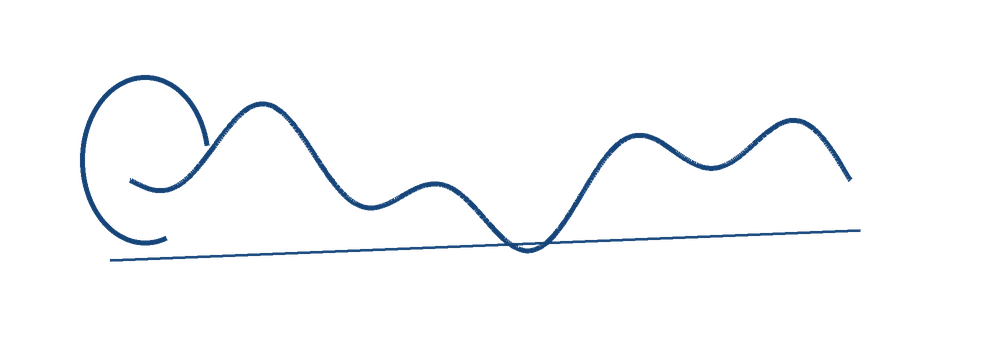
Original sample stroke images
Original CC0 pen-stroke illustrations, not a real person's signature or an application document. Both are 1000×360 PNGs.
Local file and pixel limits
Up to 8 MiB per PNG or 8-bit baseline/progressive JPEG, 40 MiB per batch, and 4 million pixels per decoded image/output canvas. Headers are inspected before decoding. Output sides are whole pixels 16–4,096, with a total 4-million-pixel bound; target 0.1–2,000 KB with up to three decimal places. Padding and crop controls require a positive remaining area. Invalid inputs give specific errors; Cancel terminates processing and clears unfinished outputs.
Browser orientation is applied and the single decoded image is re-encoded without copying source EXIF. Animation, RAW, SVG and other input formats are not retained. Canvas color/metadata/DPI can differ. Original files are not overwritten, uploaded or stored in browser history/storage. Source preview URLs are created only after successful header/decode checks; output previews use the actual encoded bytes.
Use the current official application notice
Enter your portal's dimensions and byte limits yourself. No current TNPSC Group 4 preset is asserted here. Minimum bytes, physical size/DPI, ink color, signing instructions and portal acceptance are distinct from this tool's pixel/maximum-byte checks. No application is submitted.